Writing on the go

# Introduction Tablets in general, and the iPad specifically, are great mobile computing devices for two major categories of actions; Consumption/Entertainment, and Productivity/Value-Creating. If you've been on this blog before, you know that the focus is on the Productivity/Value-Creation side. One important channel of productivity is writing, whether in the form of hand-writing or typing. … Continue reading Writing on the go

The iPad Dock

One important feature of iOS that is unique to the iPad is the Dock. When at the home screen, you see the Dock sitting nicely at the bottom with spaces for several apps (and folders). It is an efficient, easy, and empowering way to organize apps on the iPad and to multitask. It also gives … Continue reading The iPad Dock

iPad Pro 2018: MCB Impressions

# Finally! The new iPad Pro is here! And it is fantastic! Having owned the 10.5" second generation device, I've been very happy with it and not particularly obsessed with the news of the new one. However, this latest generation is another strong re-iteration of Apple's best mobile computer. It is especially important given the … Continue reading iPad Pro 2018: MCB Impressions

iPad Limitations (and Solutions)

The Mobile Computer Blog mainly discusses the merits and advantages of the Apple iPad Pro. This includes its uses, applications, accessories, and solutions. However, it goes without saying that the iPad Pro, and tablets in general, are not perfect. This article discusses the iPad limitations and offers some suggested solutions. A) Foundation (philosophical!) Before delving … Continue reading iPad Limitations (and Solutions)

Working with Two PDFs Simultaneously

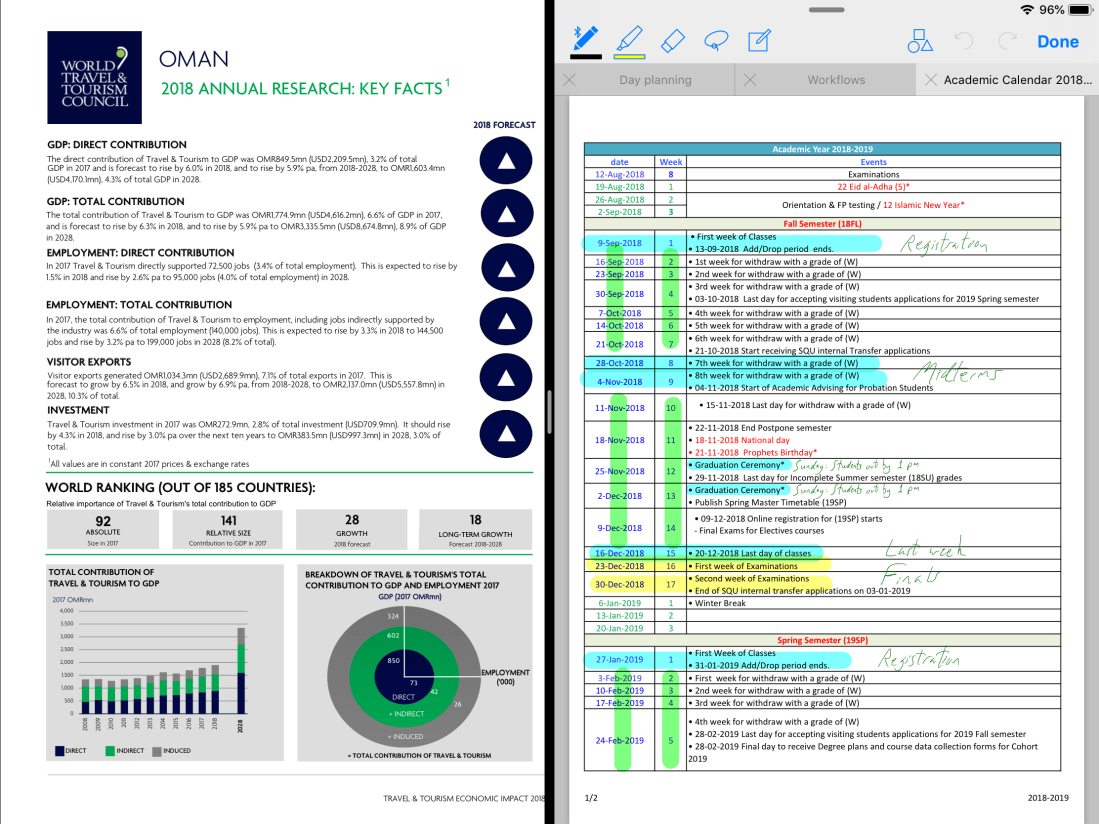
Note: This post was published before Apple made it possible, in iPadOS 13, to open two windows of the same app side by side. MCB's friend, Issa from Qatar, asked about how one could view and annotate two PDF files side by side on an iPad Pro. Well, I would first like to touch on … Continue reading Working with Two PDFs Simultaneously